
1
Enter the team code
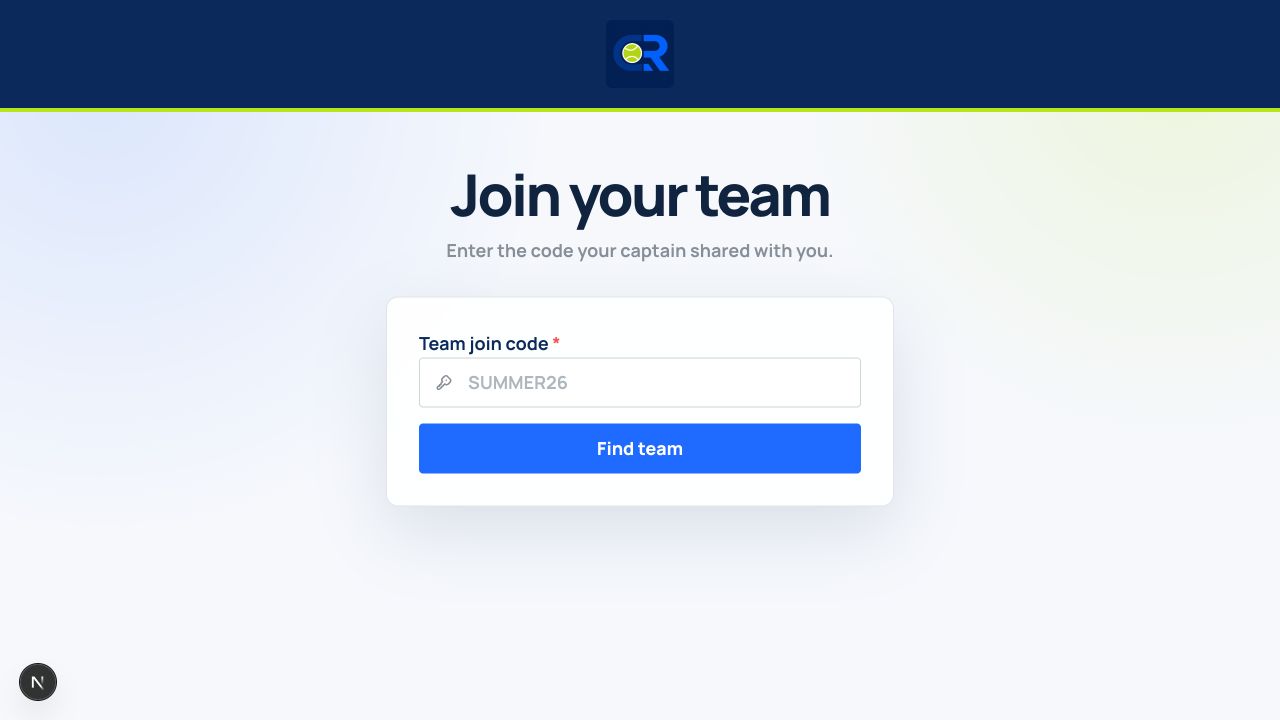
- Go to /join, or follow the Join a team link provided by your captain.
- Enter the Team join code exactly as shared. CourtRoster automatically changes letters to uppercase.
- Select Find team.
Before you continue
If Team not found appears, check for missing letters or numbers and ask the captain to confirm that the code is still active.
2
Confirm the team and account
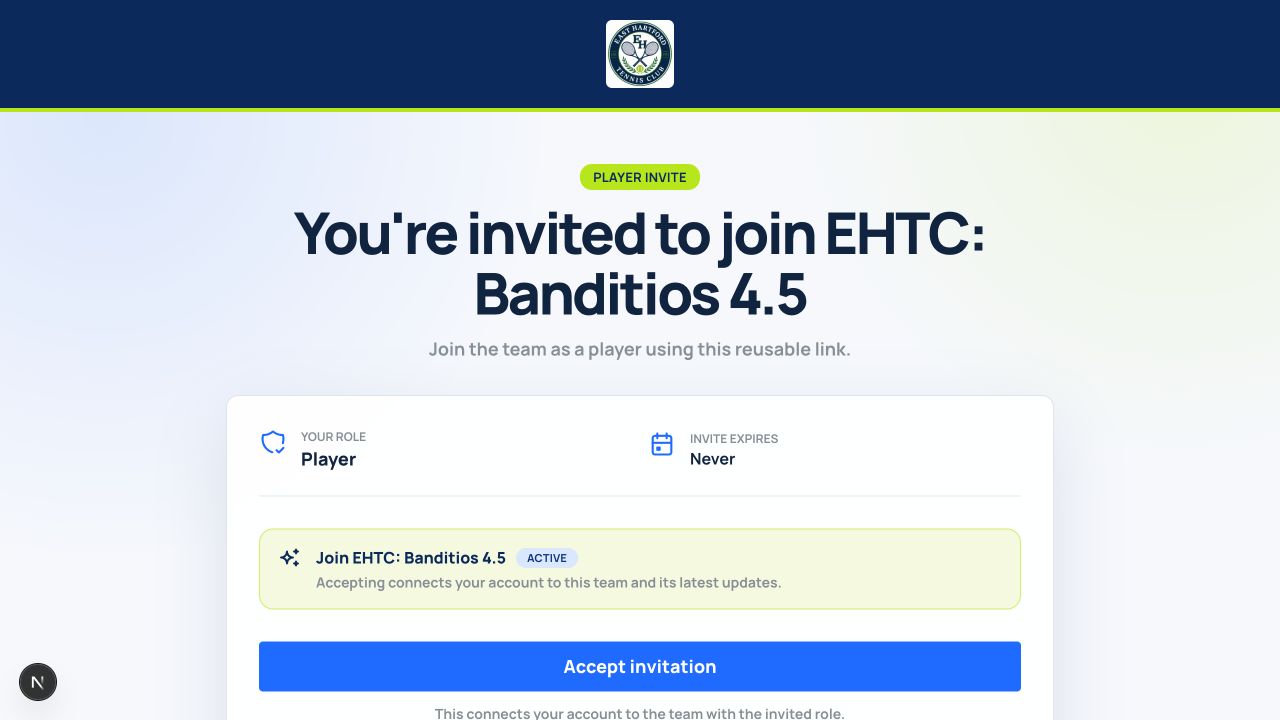
- Review the team name and invitation role before continuing.
- If you are not signed in, sign in or create your CourtRoster account using the email that received the invitation when possible.
- If the page shows the wrong signed-in account, switch accounts before accepting.
- Select Join team. CourtRoster adds the membership and opens the team.
Helpful tip
A join code resolves to a secure invitation. Never accept if the team name is not the one you expected.
3
Start with your team activity
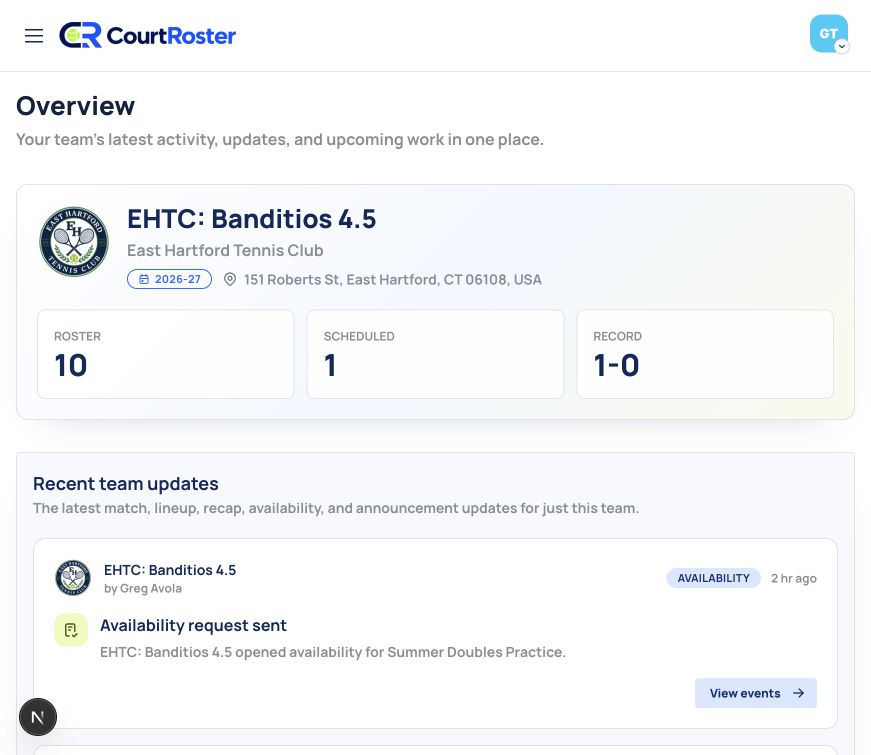
- Open the team after joining to see its Overview page.
- Review Recent team updates for availability requests, lineups, recaps, and announcements.
- Use the action on an activity item to open the relevant event, match, or announcement.
Helpful tip
Team activity is the quickest place to catch up after you join or return to CourtRoster.