
1
Open the published recap
- Open the recap link from your email or app notification, or sign in and select your team.
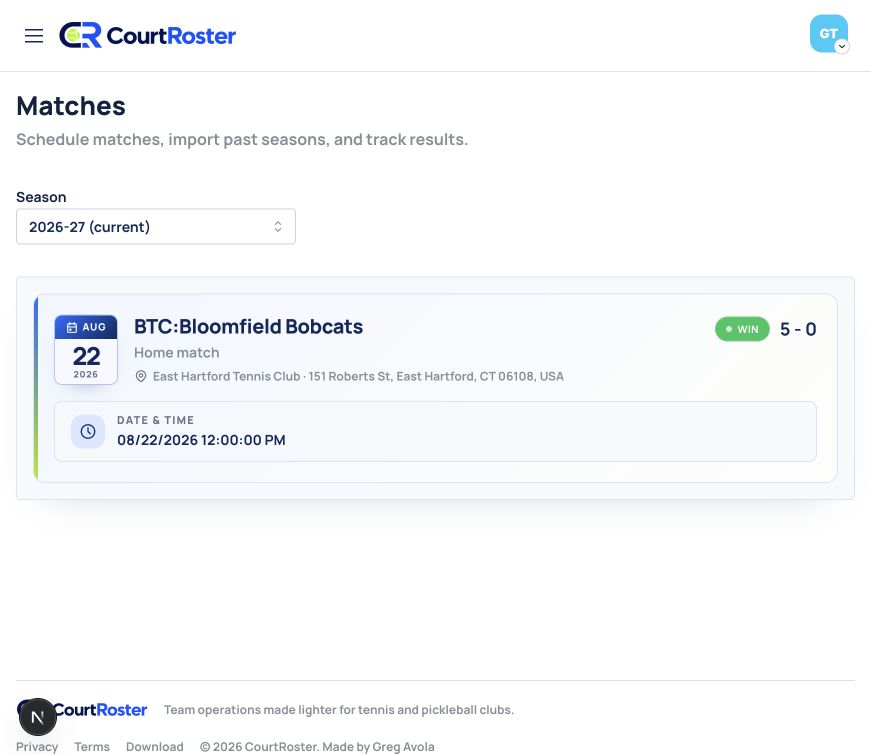
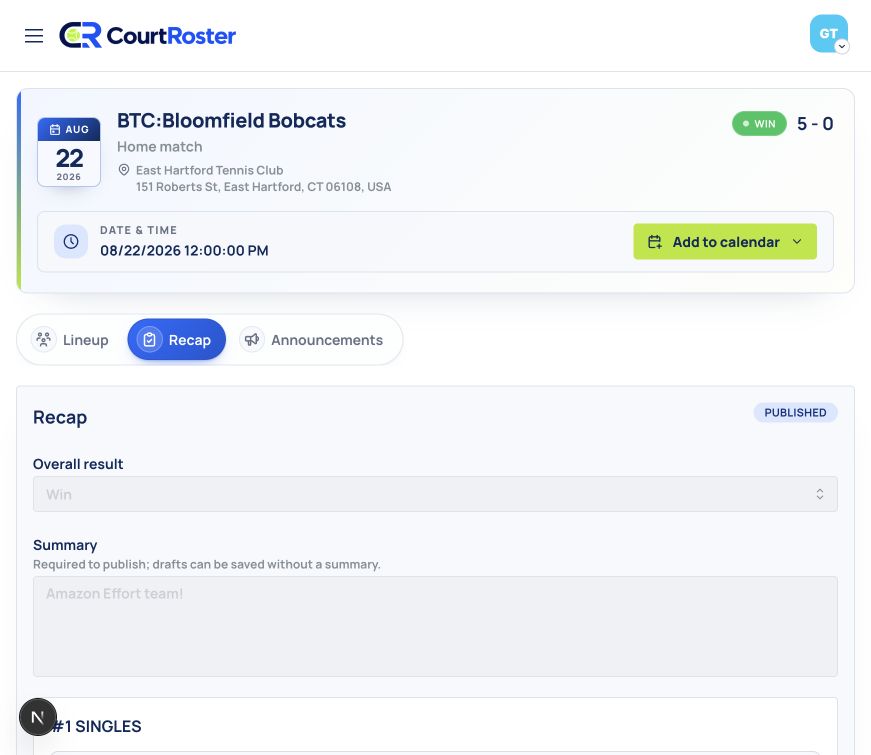
- Select Matches, open the completed match, and choose the Recap tab.
- If the recap is not available, check again after your captain publishes it.
Before you continue
Players cannot see recap drafts. The recap appears in the match only after it is published.
2
Review the result
- Read the overall result and captain’s summary for the match highlights.
- Browse any published match photos.
- Review each court for its players, opponents, set score, result, and court note.
- Return to the team activity feed to continue with other match and team updates.
Helpful tip
A recap can be updated after publishing. Reopen the match when your captain shares a correction or additional detail.